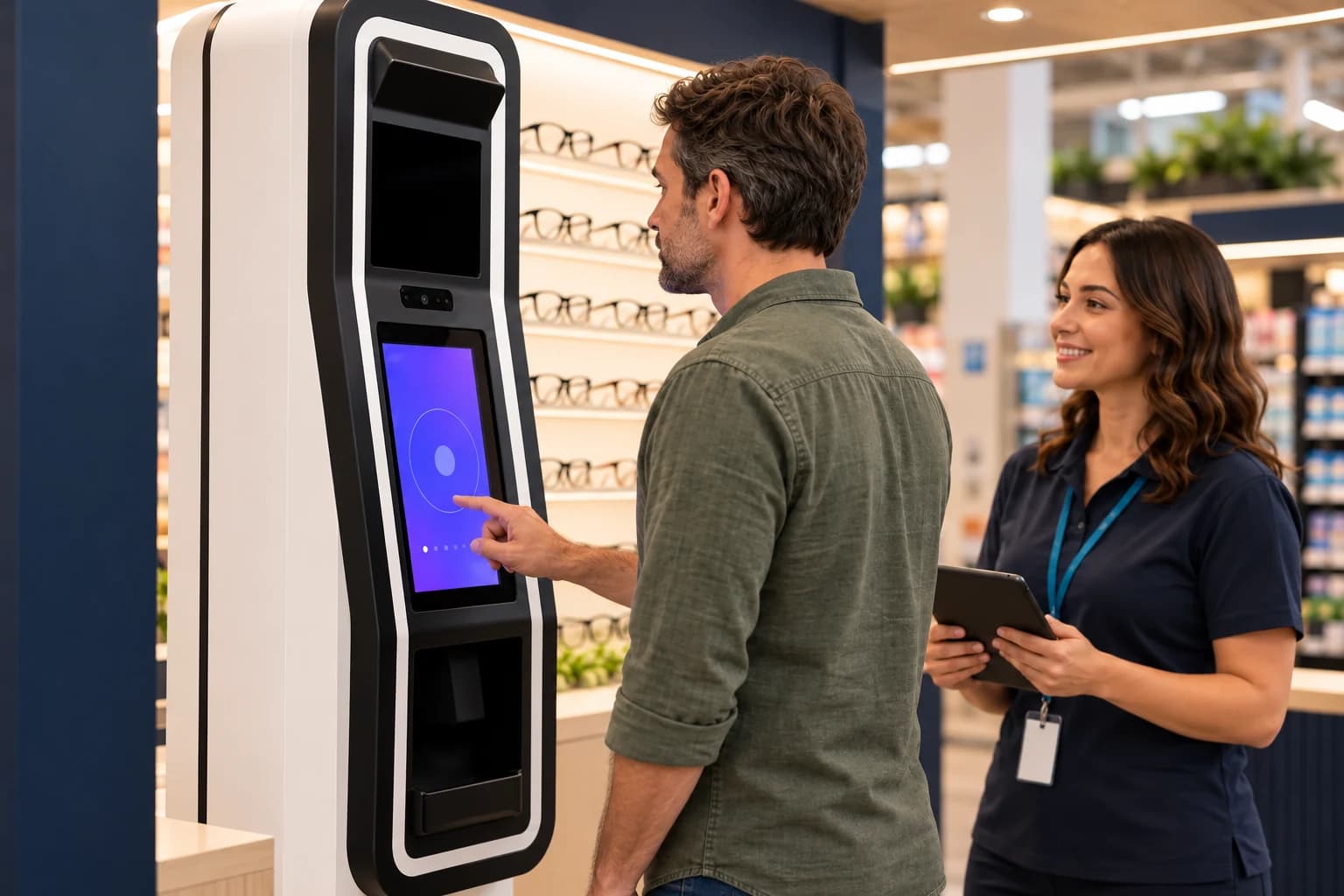
Screen
A guided screening station with an attendant nearby.
Shoppers step up, follow the prompts, and get help whenever they want it.
Explore the kiosk Plan a Pilot
 VZN Rx brings assisted vision screening and prescription eyewear into your pharmacy, grocery store or mall. Shoppers are screened at the kiosk, their Rx is saved to a VZN profile, and they choose frames and order, with our lab making and shipping the glasses.
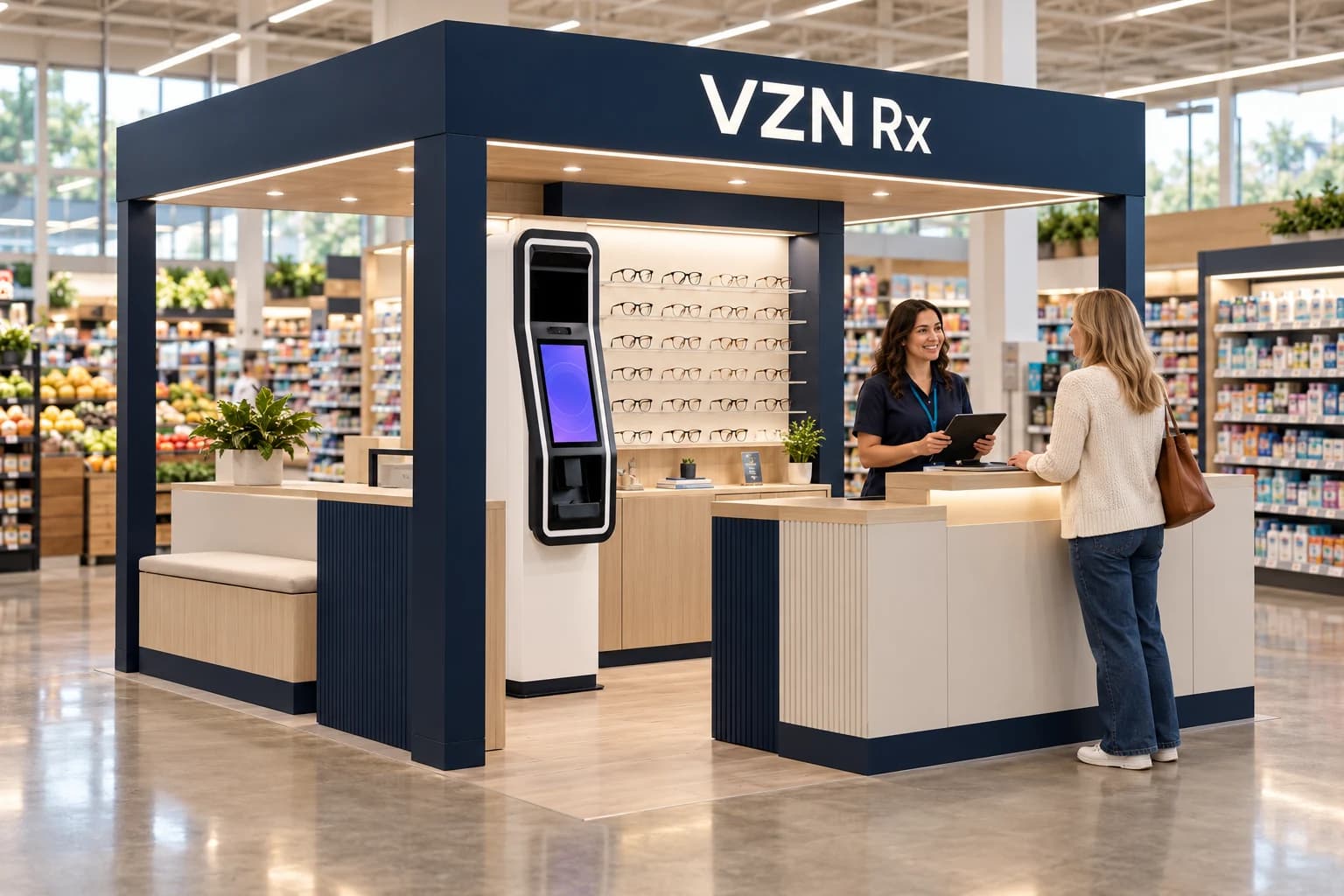
People already come to your pharmacy, grocery store or mall for something else. A staffed kiosk lets them get screened while they are there, keep the result in a VZN profile on their phone, and choose frames the same visit or later. The attendant makes it approachable; our lab and VZN Commerce handle the rest.
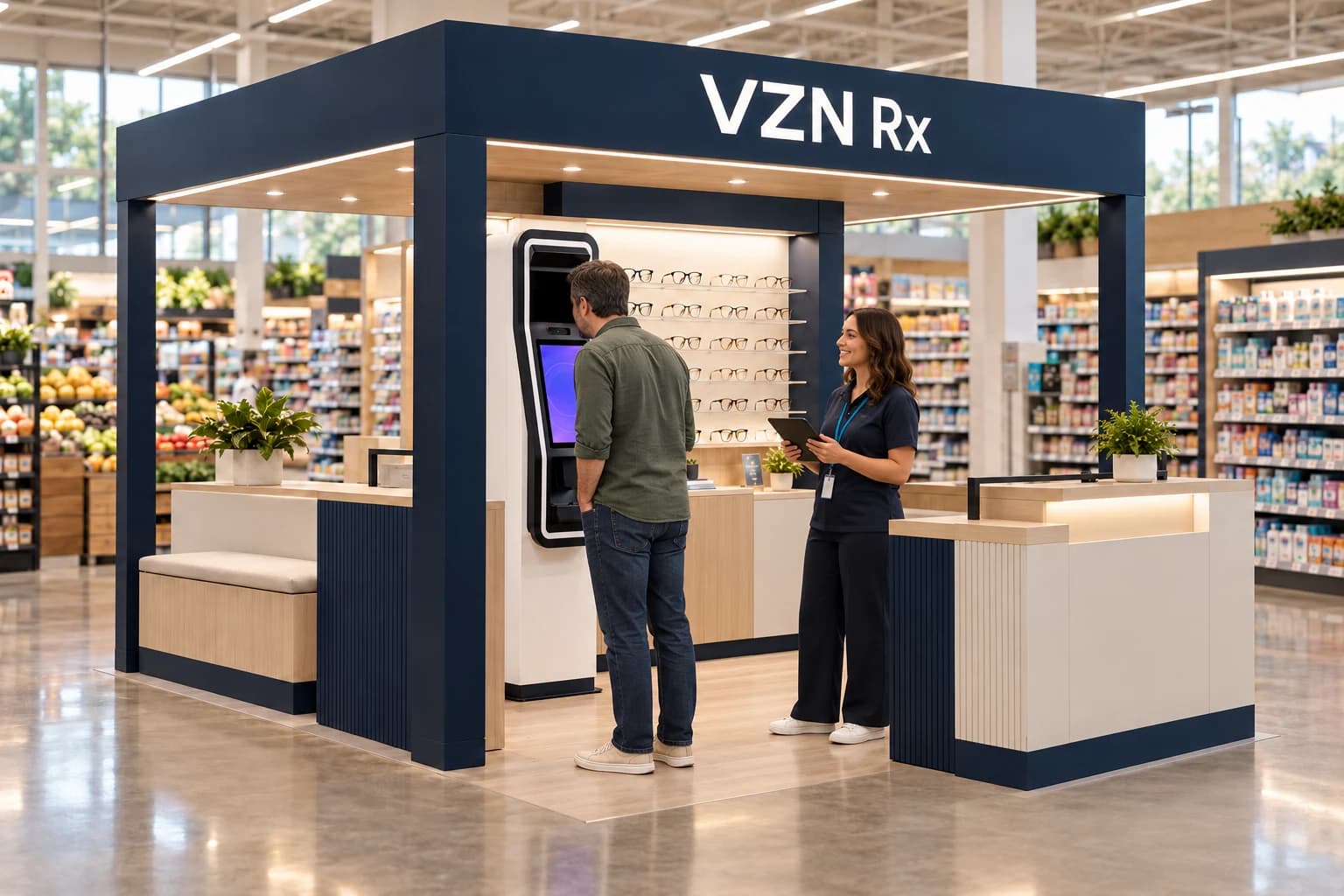
A guided screening station with an attendant nearby.
Shoppers step up, follow the prompts, and get help whenever they want it.
Explore the kiosk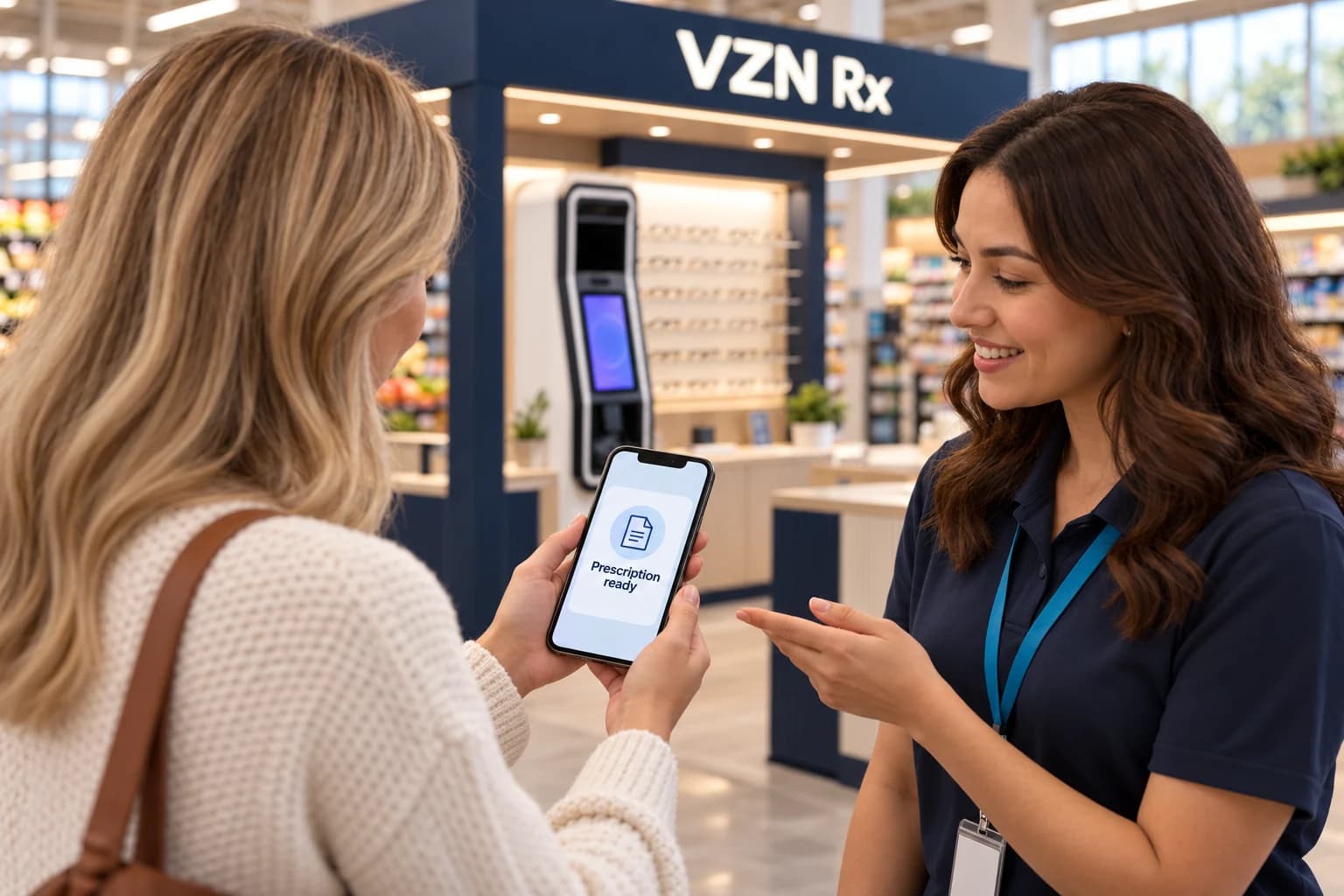
The Rx lands in a VZN profile on their phone.
No paper to carry. The profile is how the screening connects to the order.
Follow the Rx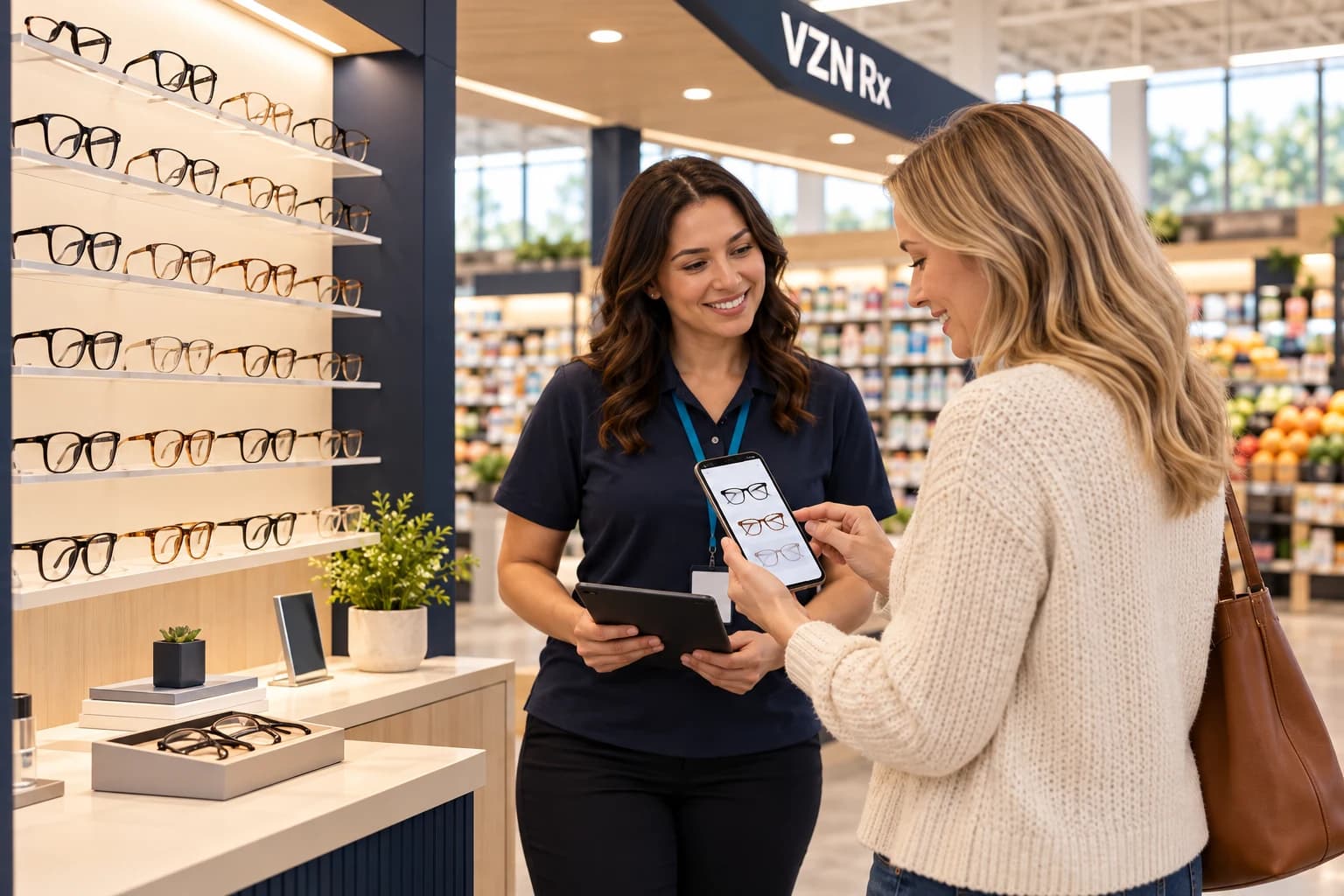
Frames in person and on your online store.
Try on at the kiosk or browse on a phone, then check out on your store with VZN Commerce.
Explore shopping and fulfillmentA shopper steps up with an attendant to help.
The Rx is saved to their VZN profile and phone.
Try on at the display or browse on a phone.
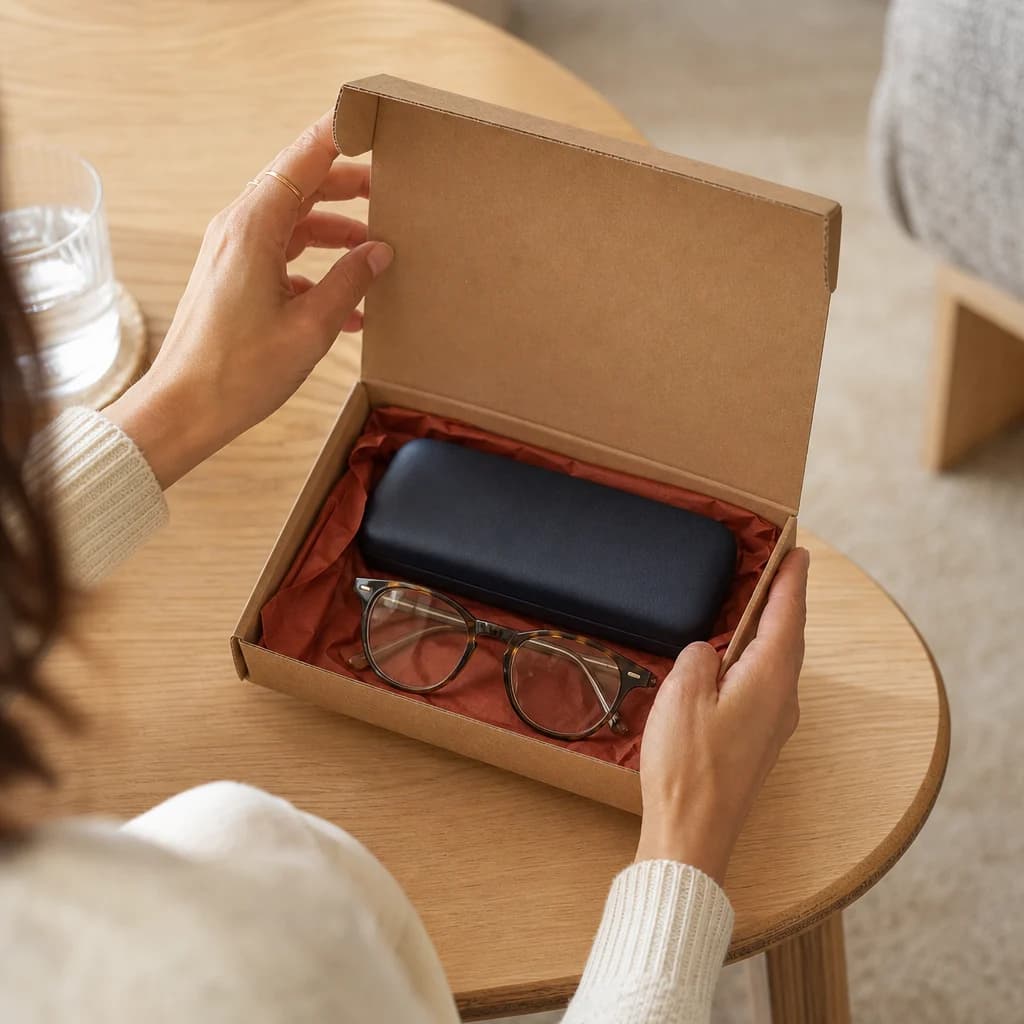
Checkout on your store; our lab makes and ships.
Illustrative flow. Exact steps, timing and services are confirmed for each deployment.
Follow the full journeyA compact, canopied kiosk that reads from the aisle. An optional fit scanner can sit beside the screening station for retail locations that want it.
Guides the shopper step by step.
Lit, with a mirror to try styles on.
Helps with the screening, frames and ordering.
Retail locations can add a face and frame-fit scanner beside the screening station.
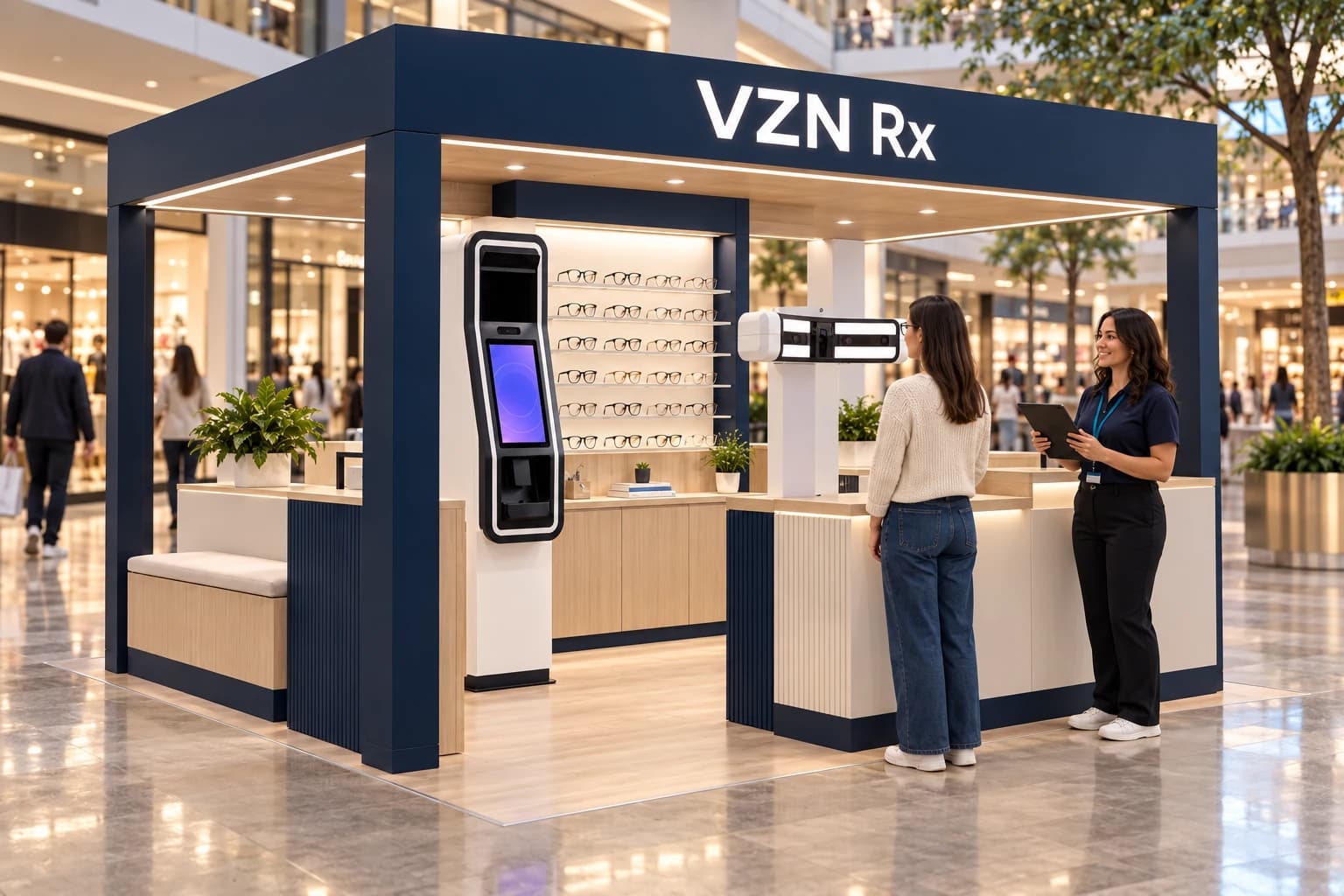
The same kiosk concept adapts to a pharmacy, a grocery store or a mall.
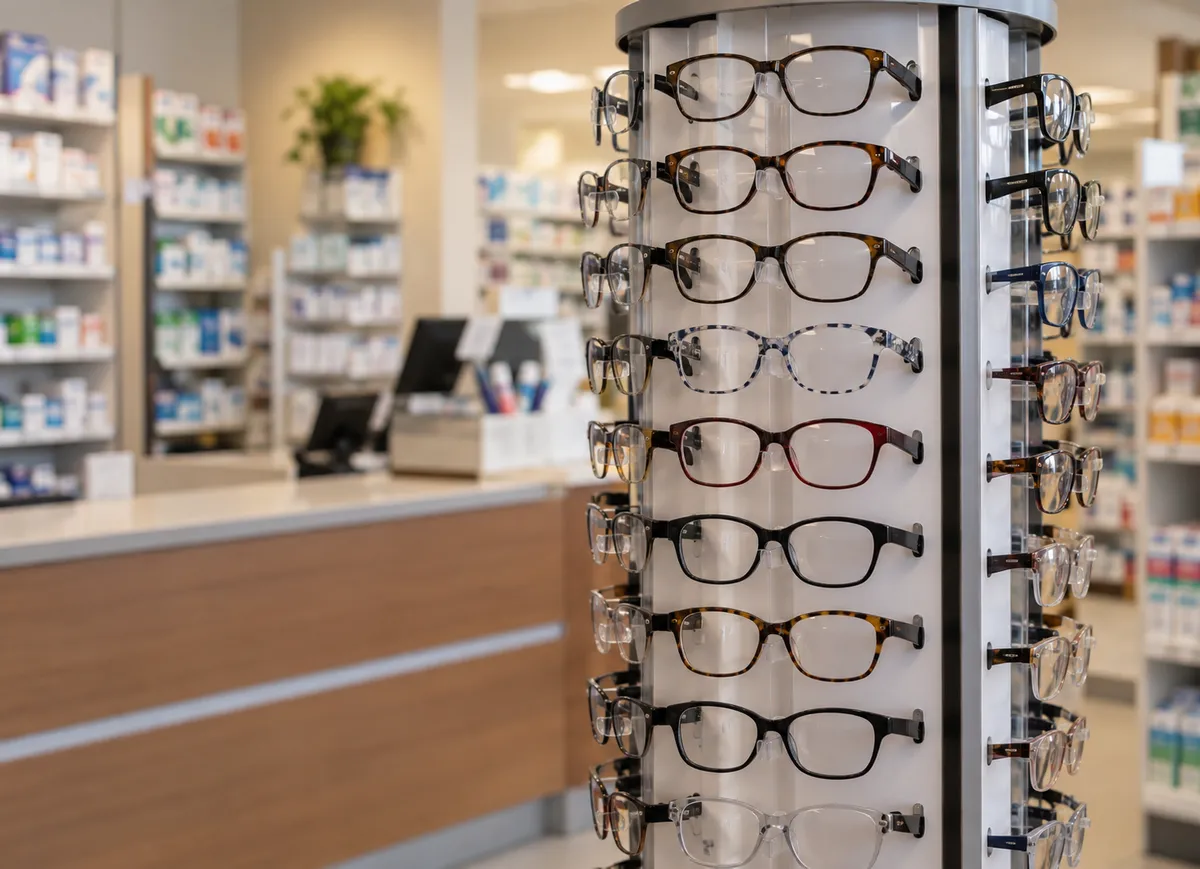
Place a kiosk near the counter, as a natural neighbor to the everyday health visit.
Reach shoppers already in the store, near the pharmacy or at the front end.
Put a staffed island in the walkway, with an optional fit scanner.
A screening is not an eye exam. Clinical judgment stays with licensed providers. Read what the kiosk does and does not do
The location, the attendant presence, and your website entry point.
The kiosk concept, the VZN Commerce storefront, the assortment, and fulfillment through our lab.
Our working model shares revenue on the eyewear sold through your kiosk, with VZN Commerce and our lab behind every order. Terms are set for each location in planning; we do not publish figures.
Explore the commercial modelAlign on your location, shoppers and goals.
Define the kiosk, assortment, store and support route.
Ready the space and the attendants.
Open a pilot, then review and decide what is next.